
Volumio, moOde and piCorePlayer are excellent, mature Raspberry Pi players. So why one more? Because Gexis Player starts from a different picture: a touch screen in the room, beside the amplifier, with every source you already use showing up on it the same way.
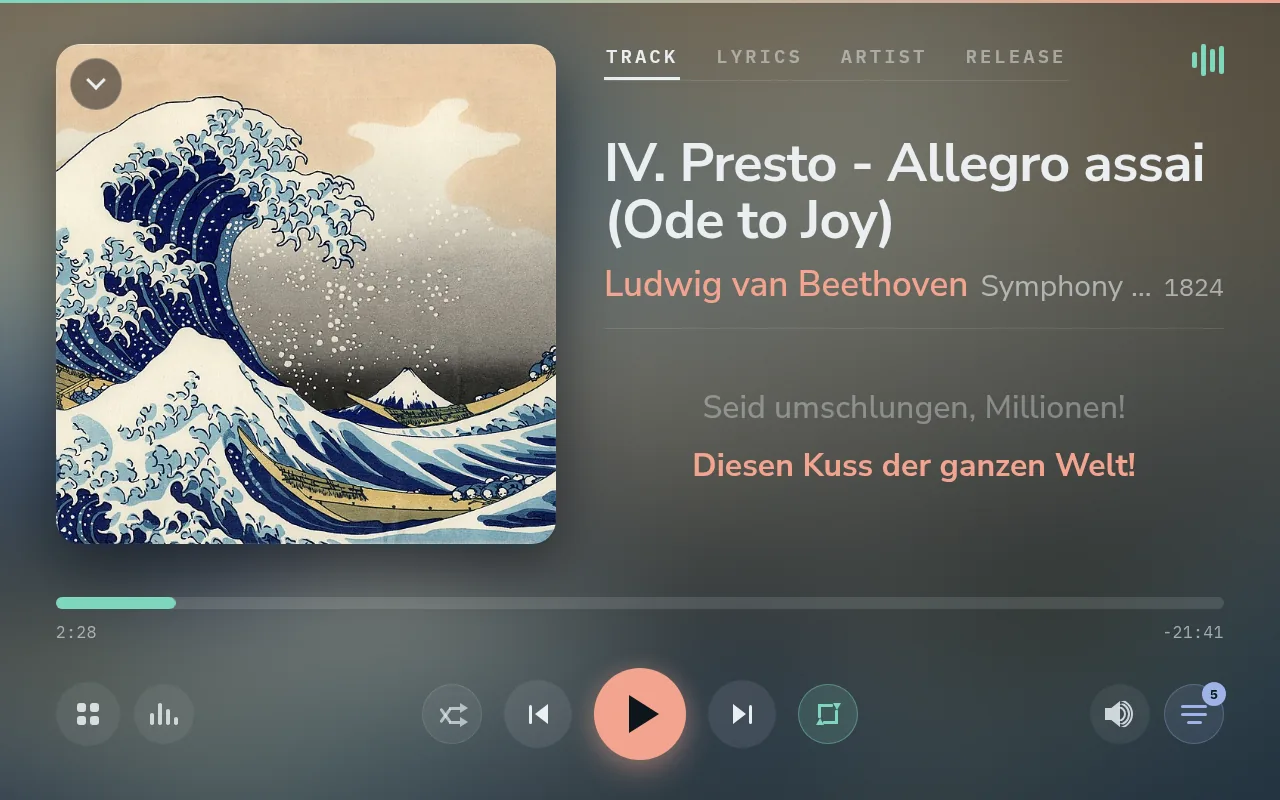
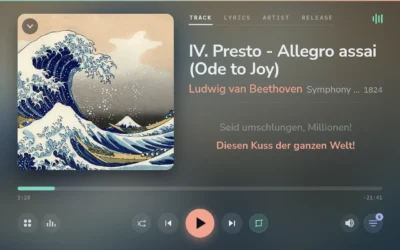
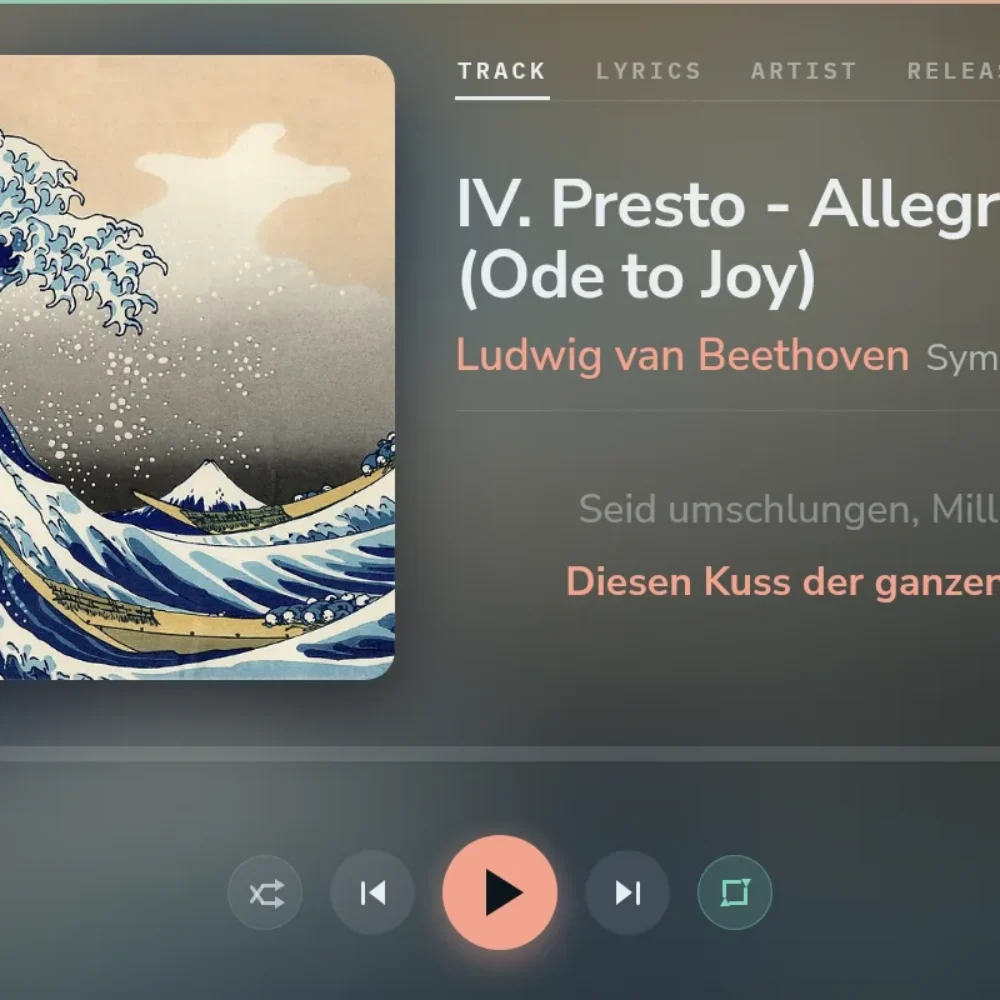
Now Playing on a 10.1-inch panel, with the current lyric line.
🙌 The others, and what they do well
- Volumio calls itself a “Music Player OS” for a Raspberry Pi or a PC, with “bit-perfect audio playback” and community plugins. The free Standard version includes UPnP and AirPlay playback, network storage and web radio. Premium, a paid subscription with a 14-day trial, adds multiroom sync, Bluetooth playback, TIDAL, CD playback and ripping and AI search, on up to six devices.
- moOde is an “audiophile streamer” for the whole Raspberry Pi family, free and open source under the GPL. It grew out of a web player for MPD and is known for its polished, responsive web interface. It brings many renderers: Bluetooth, AirPlay 1 and 2, Spotify Connect, UPnP, Squeezelite, RoonBridge and Plexamp.
- piCorePlayer is built on piCore, a Linux of about 12 MB that runs entirely in RAM, so you can pull the power without harming the card. It is a Squeezelite player, a Lyrion Media Server, or both on one Pi, and all its features are free.
🖥️ Built around the screen in the room
Gexis Player expects a touch screen next to the amplifier, and it is designed around it. It recognises screens from 7 to 13.3 inches, including wide, short bar displays that run the whole player in strips. Your phone opens a settings page and a mini player in its browser, with no app to install, and doubles as a touchpad for the screen: one finger moves a pointer, a tap presses, and the phone’s keyboard types into the panel.

The same player on a bar display, laid out in a strip.
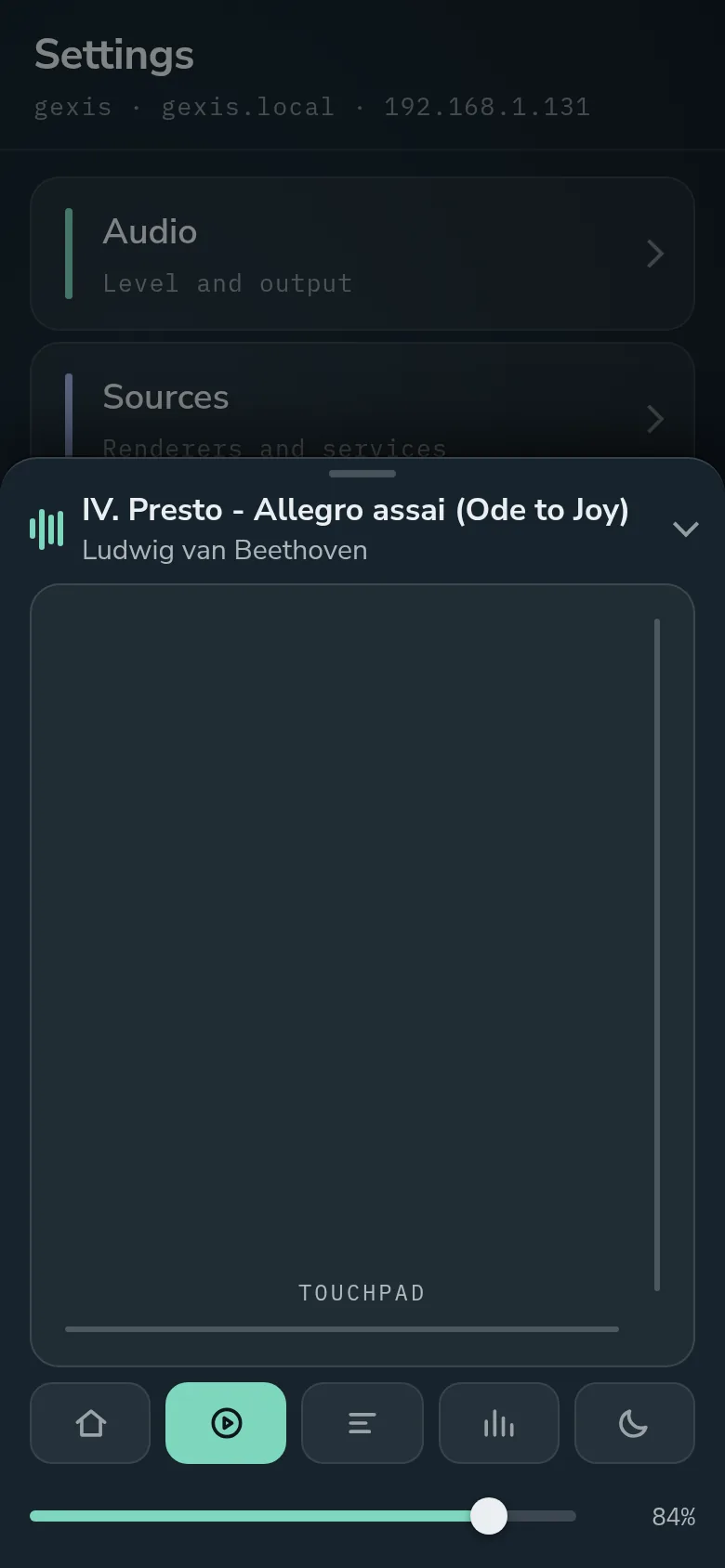
The phone’s mini player, its touchpad open.
🎧 Your apps, side by side
Gexis Player doesn’t build its own library. It plays your files through Lyrion Music Server, so every Lyrion app and plugin still works. Next to Lyrion it is a Spotify Connect speaker (through go-librespot), a Plexamp player and a Bluetooth speaker. Only one source plays at a time. The one you start last takes over, a short screen shows the change, and the source that was playing is stopped first.
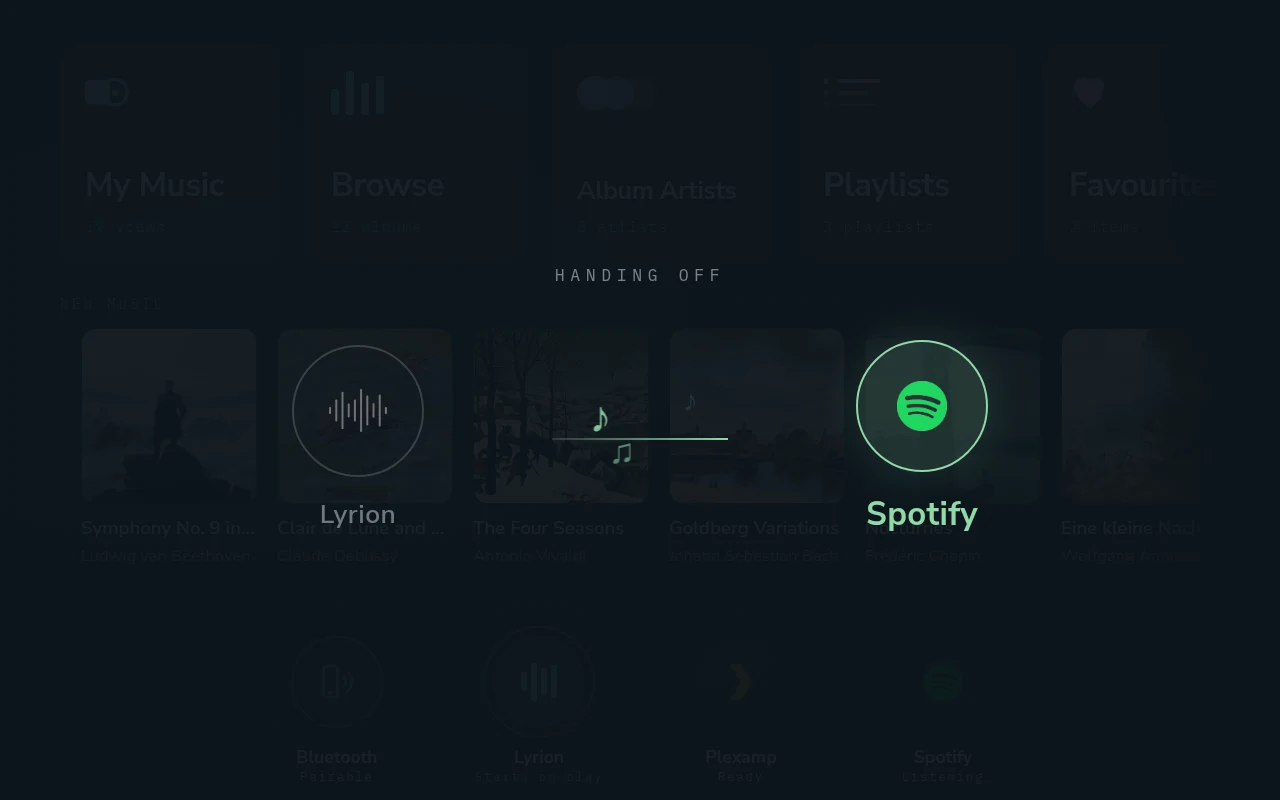
Spotify taking over from Lyrion: a short hand-over screen over whatever was showing.
🎚️ Sound you can check
- Bit-perfect: nothing in the chain resamples. It is tested up to 24/192 on DAC boards, and on a USB DAC at every rate up to 768 kHz, with native DSD from Lyrion.
- Tested hardware, named: the HiFiBerry DAC2 HD, the IQaudIO Pi-DAC PRO and an SMSL USB DAC. Other boards on the list are clearly marked as untested.
- The whole system: Gexis Player is a complete image, not an app on someone else’s OS, so the audio chain can be checked rather than taken on trust.
🔒 Updates, licence, account
Updates arrive over the network from a signed repository. If a new release fails its check after installing, the player goes back to the one it had. Gexis Player is free software under the GPL (version 3 or later). It needs no account and has no ads, though Spotify Connect needs Spotify Premium and Plexamp needs a Plex account.
🧭 Who it is for, and who it isn’t
Gexis Player suits you if you have a Raspberry Pi 4, a DAC and an amplifier, and want a screen in the room that shows whatever is playing, whether it comes from Lyrion, Spotify, Plexamp or a phone over Bluetooth.
One of the others may serve you better if:
- you want AirPlay, UPnP or Roon. Gexis Player has none of them. Volumio and moOde offer AirPlay and UPnP, and moOde offers RoonBridge.
- you run a PC, or a Pi other than the Pi 4. Volumio runs on a PC, and moOde covers the Pi family. Gexis Player is only built and tested on the Pi 4.
- you want a tiny system that lives in RAM and doesn’t mind the power being pulled, or a dedicated Lyrion server box. That is piCorePlayer.
- you want a project with a long track record and a big community. Gexis Player is young, its tested hardware list is short, and it is a hobby project with no support team.
Comments
0