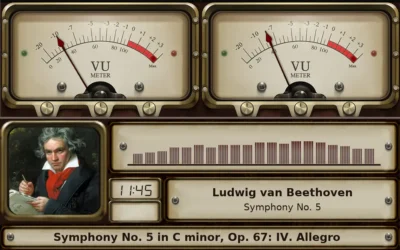
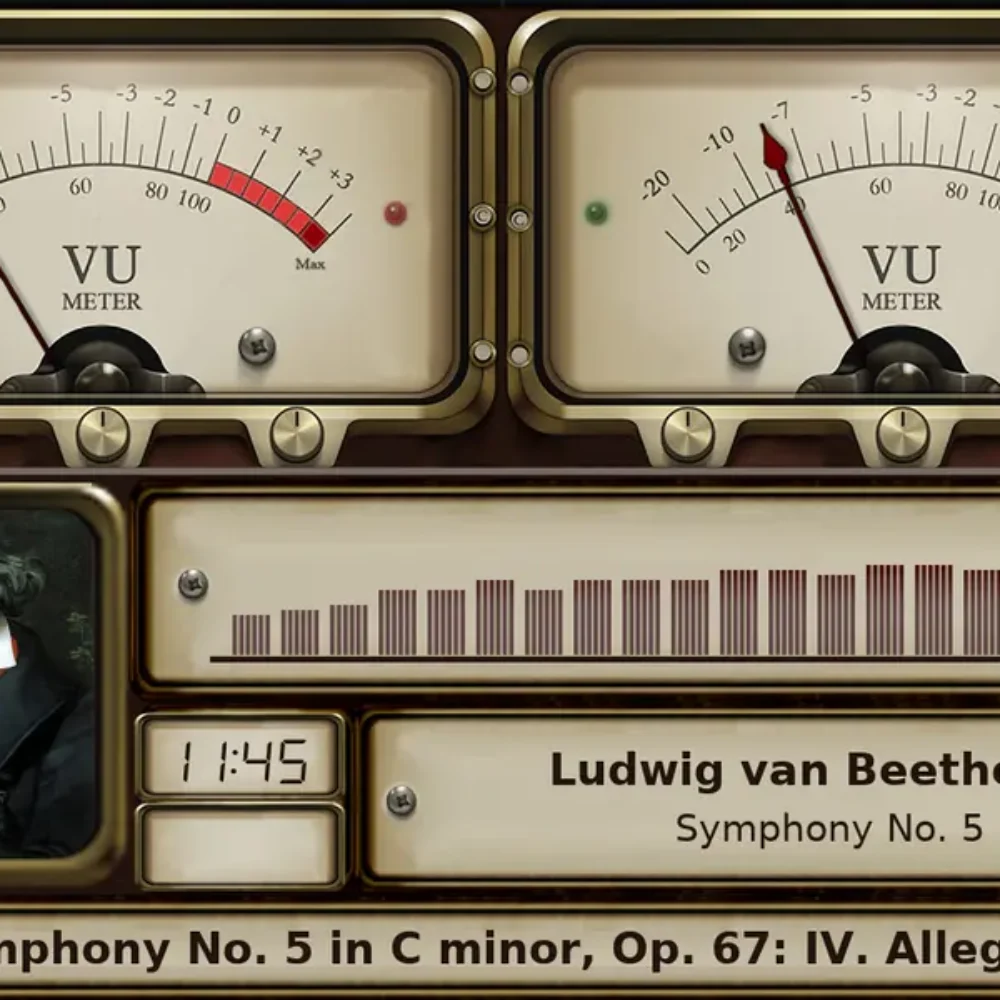

While music plays, Gexis Player can turn its screen into a set of VU meters, a spectrum analyser, a turntable or a tape deck. The needles and bars are drawn from the music itself, and they follow the volume you are listening at.

VU meters, a spectrum, the artist’s picture, the time and the track: one skin on the 10.1″ panel.
🎚️ Opening it
- From Now Playing: the visualiser button opens it. Touch the screen to close it.
- From a phone: the Visualiser button in the phone page’s mini player.
- On a bar screen: from the tray pulled down from the top.
- By itself: after ten minutes of music with no tap or skip (the Timeout under Settings → Display → Visualiser). Stop when nothing is playing hands the screen back after silence.
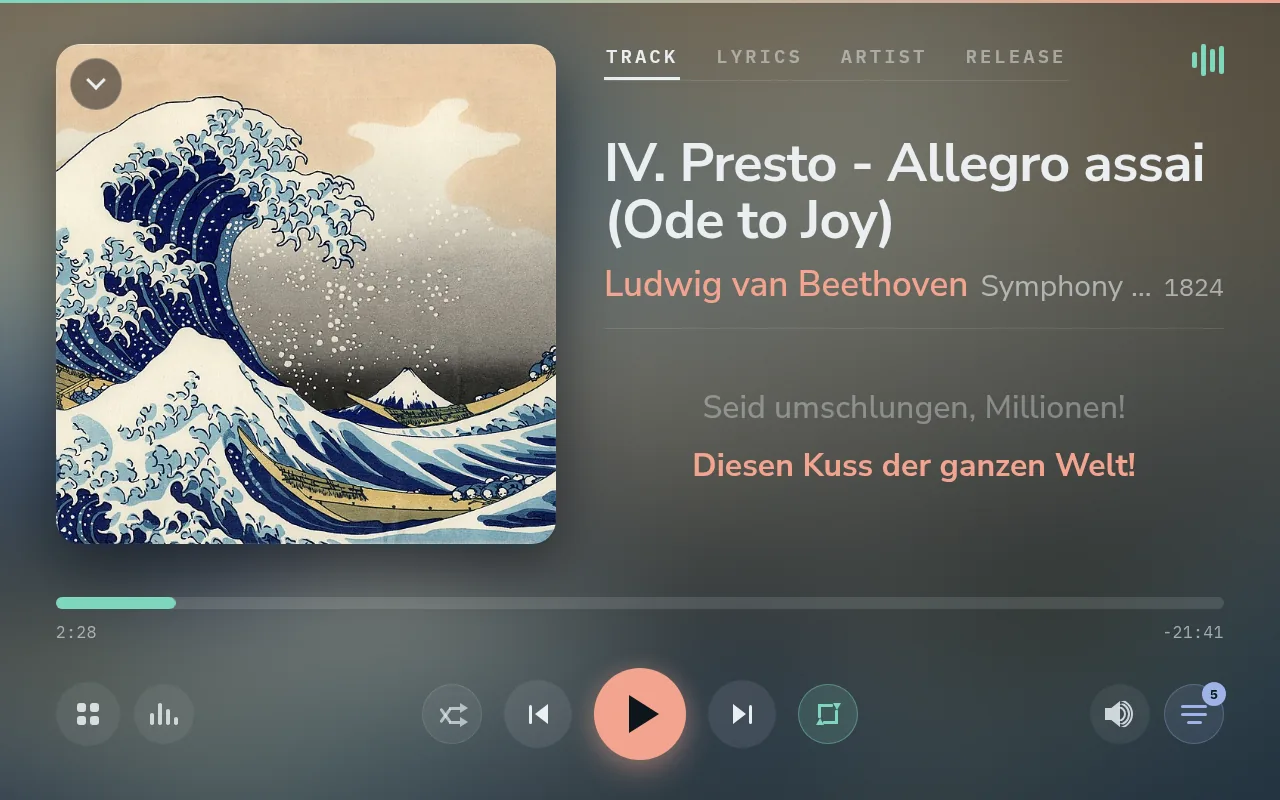
Now Playing. The visualiser button is the bar icon at the top right.
Skins for every screen
Skin type chooses the kind: VU meters, spectra, turntables, tapes, or Fanart skins with a slideshow of the artist. Rotate skin per track changes the skin with every track; switch it off to keep one. Tapping a skin previews it, and Use this skin keeps it.

A pair of VU meters drawn for the 11.9″ bar (1480 × 320).
Skins are drawn for one screen size, so each size has its own pack: 1920 × 1080, 1280 × 800, 1280 × 400, 1480 × 320 and 800 × 480. The player picks the pack from its screen; a screen of another size gets the largest pack that fits uncropped, centred on black. Packs are a separate download of about 50 to 490 MB. Setup asks before installing one, and Settings → Plugins adds or removes it later.

A spectrum skin on the 11.9″ bar, with the artist’s picture and the time.
📈 A spectrum that tells the truth
A spectrum’s bars run from the deep bass on the left (50 Hz) to the top of what recordings carry on the right (16 kHz), spaced the way pitch is heard, and the same at every sample rate. Each bar shows the music’s own level in its range, as an audio analyser measures it.
Most recordings carry less treble than midrange, so the right-hand bars are usually shorter. Before release 0.12.0 they were often the tallest on the screen: cymbals and breath were added up across each band’s whole width. On pop, rock and electronic tracks, treble 10-14 dB below the voice range was drawn 10-16 dB above it.
🔊 Meters that follow the volume
With Volume on Software or Hardware, the needles and bars show what comes out, so they fall as the volume comes down:
- The bars fall by the whole drop, about one step in 100 per dB.
- The needles fall by half of it by default, so they still move when listening low: at 60 % volume they swing over about half their travel.
- Like a real amplifier (Needles follow the volume) makes the needles follow all of it, as an amplifier’s meters do: about a quarter of their travel at 60 %, a tenth at 40 %.
- Gain raises or lowers needles and bars together, from −10 to +20 dB, for a quiet recording or a low listening level. +6 dB doubles a needle’s reading. It applies at once.
- On Fixed, the player does not change the level, so the meters show the recording.
Both rows are under Settings → Display → Visualiser → Visualiser tweaks, with the needles’ fall time, the spectrum’s smoothing and whether turntables and tapes turn.
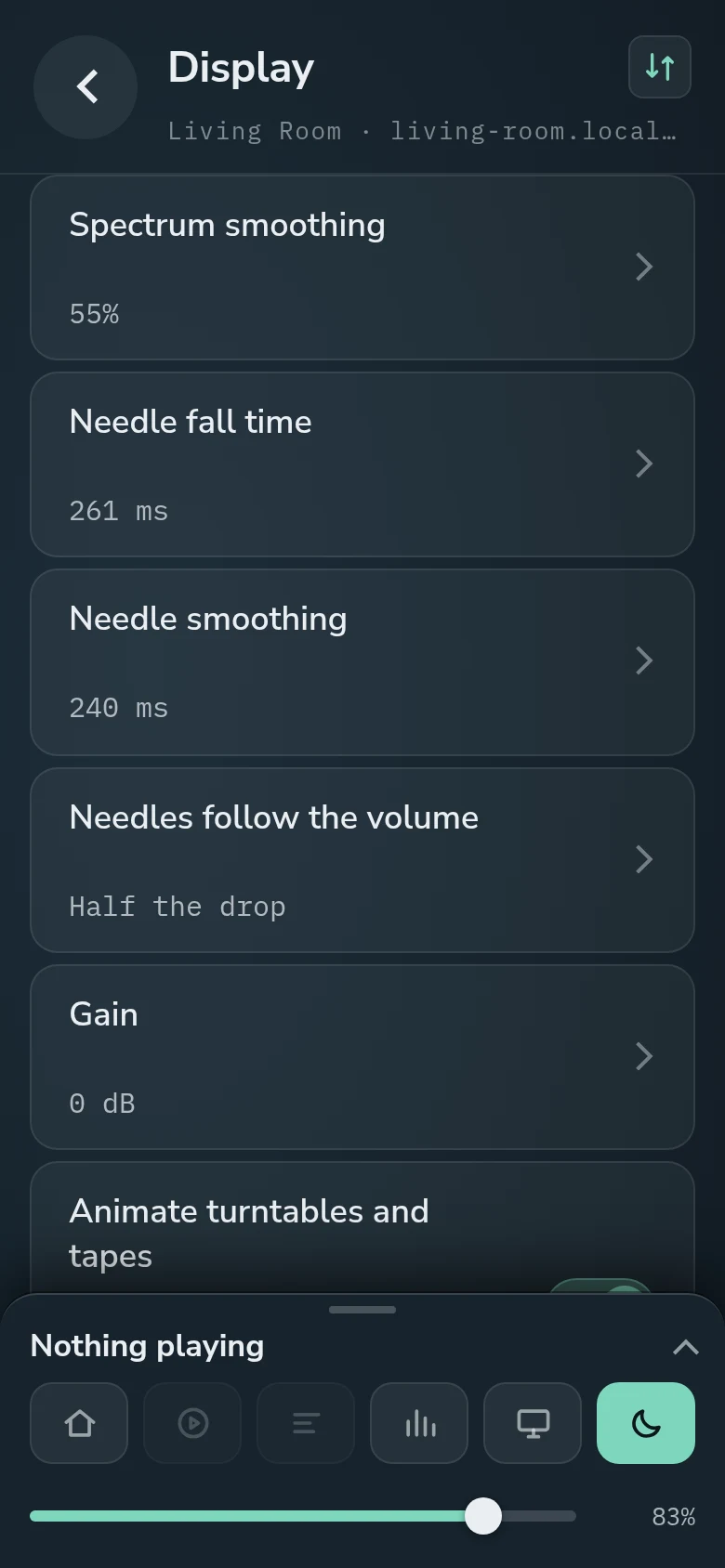
Visualiser tweaks on the phone: how the needles follow the volume, and the Gain.
The small print
- Over HDMI, the visualiser moves only with Volume on Software.
- It stays still during DSD playback.
- Applying Spectrum smoothing or Needle fall time stops the music for a moment while the sound card is reopened.
Comments
0